Last updated: 23 September 2026
Most people only think about LPG subsidy when it stops arriving. You book a cylinder, pay the full amount at the door, and then wait for a credit that used to show up in the bank account — and one month it simply doesn’t.
Before assuming something is broken, it is worth actually checking what the system says. There are four ways to do it, and the whole thing takes a couple of minutes once you have the right number in hand.
First, Be Clear What You Are Checking
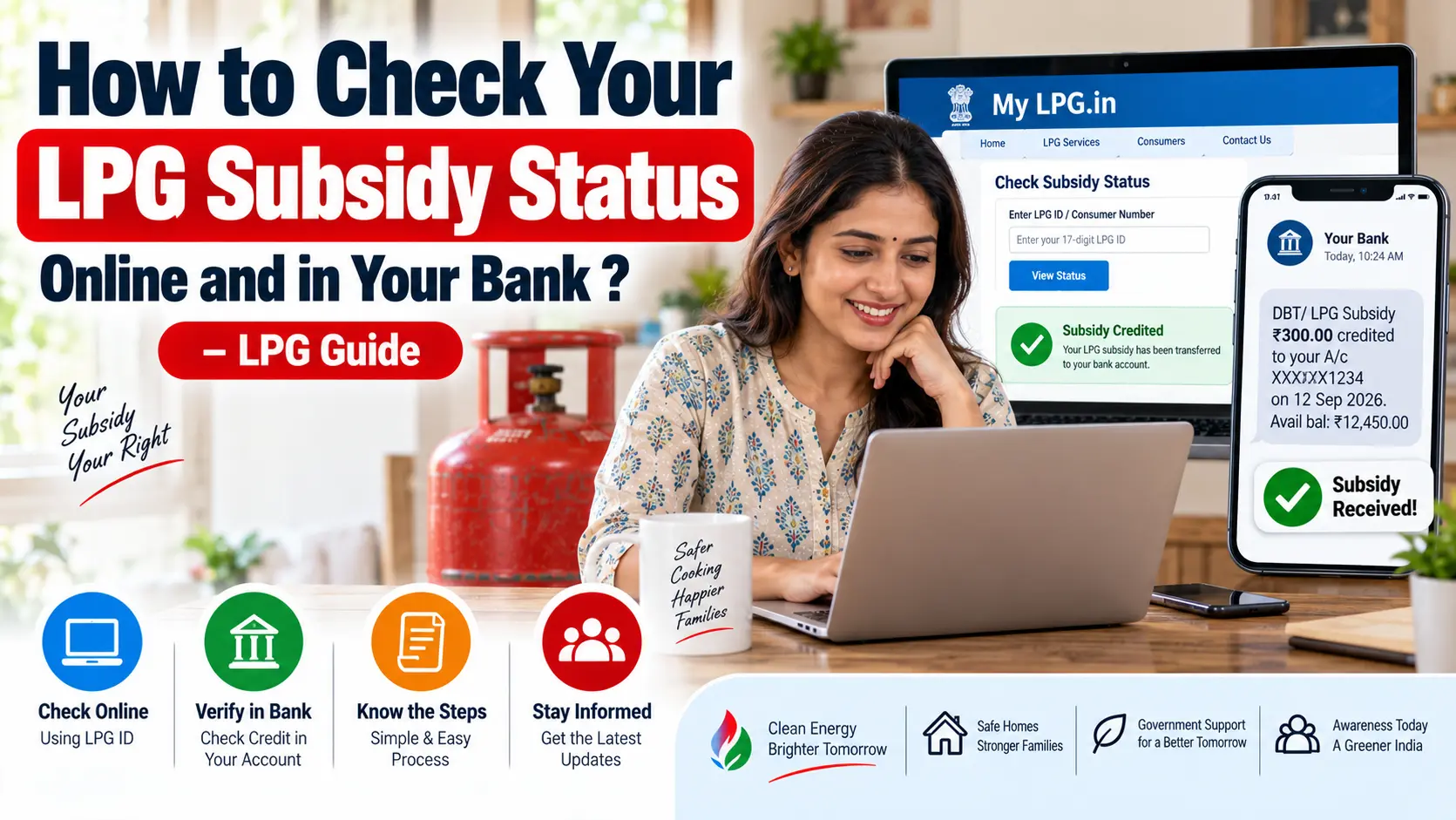
Two different things get called “gas subsidy” and they are not the same:
PAHAL, also written DBTL. This is the direct benefit transfer scheme. You pay the market price for your refill, and any subsidy you are entitled to is credited separately into your bank account. This is what the status check on the portals refers to.
PMUY, the Ujjwala scheme. A separate scheme that provides free connections to eligible households, with its own additional per-cylinder benefit. Being an Ujjwala beneficiary does not remove the need for your Aadhaar and bank account to be properly linked — the credits still travel through the same DBT plumbing.
If you are checking whether money reached your account after a refill, PAHAL status is what you want.
The One Number You Actually Need
This is where most people get stuck, so it is worth getting right.
The subsidy portals ask for your 17-digit LPG ID — not the shorter consumer number printed on your cash memo. They are different numbers, and entering the consumer number where an LPG ID is expected simply returns nothing. People then conclude the portal is down, when the portal is fine.
Your 17-digit LPG ID can be found:
- On your subsidy booklet or connection documents
- Inside your provider’s app, on the connection details screen
- In SMS messages sent by your distributor
- Through the “find your LPG ID” option on the official portal, where you enter state, district, distributor and consumer number to retrieve it
Note it down somewhere permanent. You will need it again — for complaints, for eKYC, for anything to do with subsidy.
Method 1: The Official Government Portal
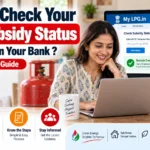
The government’s own LPG portal at mylpg.in covers all three companies in one place. The flow is:
- Open the portal and select your provider — Indane, HP Gas or Bharat Gas.
- Look for the PAHAL or DBTL status option.
- Enter your 17-digit LPG ID, or your Aadhaar number, or your registered mobile — whichever the form asks for.
- Complete the OTP or captcha if prompted.
What you get back is whether your Aadhaar and bank details are linked, and a history of recent subsidy transfers against your connection.
Method 2: Your Own Company’s Portal
Each of the three companies also has its own check, usually labelled something like “Check PAHAL status” in the LPG section of their website. The details asked for are the same — LPG ID, or Aadhaar, or state plus district plus distributor plus consumer number.
There is no real advantage to one over the other. If the government portal is slow or unavailable, your company’s own site is the fallback, and vice versa.
Method 3: Your Bank Passbook or Statement
This is the check that settles the argument, because it shows money actually arriving rather than what a portal believes should have happened.
Open your bank statement for the days after your last refill and look for a small credit. The narration will identify it as an LPG or DBT transfer rather than an ordinary deposit.
Worth knowing: if the credit is small, it is easy to scroll past. Search the statement rather than skimming it.
Method 4: The UMANG App
UMANG, the government’s multi-service app, carries LPG services including subsidy-related checks. If you already have it installed for other services, it saves opening a browser. If you don’t, the portal is quicker than installing an app just for this.
Reading What the Portal Tells You
Three broad outcomes, and each means something different:
Linked, with transfers showing
Everything is working. If a particular month is missing from the list, that is a question about that specific refill, not about your linkage.
Linked, but no transfers at all
Your details are in order, which usually means no subsidy is due on your connection. For a large share of general-category households today, the applicable subsidy is zero — you pay the market price and nothing comes back, and that is the scheme working as designed rather than a fault. How much is actually payable, and who qualifies, is a separate topic we cover on its own.
Not linked
This is the one to act on. Until your Aadhaar and bank account are correctly seeded, no credit can reach you even if you are otherwise eligible. It has to be fixed at the bank and with your distributor, not on the portal.
“It Says Transferred But No Money Came”
This happens, and there are a handful of usual explanations:
- The credit went to an older account. If you changed banks and updated only one side of the record, transfers keep going to the account you stopped using.
- Name mismatch. Your name on Aadhaar and on the bank account have to match closely enough. A small difference can bounce the credit even though the portal shows it as sent.
- The account is dormant or frozen. Credits into a dormant account can be rejected.
- You looked too early. The credit does not land the same moment the cylinder does.
Start with the bank in the first three cases. Carry your LPG ID and the date of the refill; that is what lets them trace the transaction.
If Your Subsidy Stopped Suddenly
A subsidy that was arriving regularly and then stopped is a different problem from one that never arrived. The most common trigger in recent times has been pending eKYC — verification requirements were tightened, and connections that had not completed the process saw credits pause.
If that is your situation, completing eKYC comes first. Nothing else you do on the portal will help until that is cleared.
Be Careful Which Website You Land On
This deserves a warning of its own.
Search for “mylpg” and you will find several sites with near-identical names — some of them openly state in their fine print that they are private guides and not government portals. They are not all malicious; a few are just blogs. But the pattern is worth knowing, because a site that looks official and asks for your Aadhaar number, bank details or an OTP is a problem regardless of intent.
Two rules that keep you safe:
- Reach the portal by typing the address yourself, not through a search result or a forwarded link.
- No legitimate subsidy check ever needs your bank password, card details, or an OTP that arrives from your bank. An OTP to your registered mobile from the LPG portal is normal; an OTP from your bank is not.
And nobody — not your distributor, not any website, and certainly not us — charges a fee to check or release your subsidy.
Quick Answers
Can I check without Aadhaar?
Yes. Use the state, district, distributor and consumer number route to retrieve your LPG ID, then check with that.
Can I check from a different mobile number?
For a portal check with your LPG ID, yes. If the form sends an OTP, it goes to your registered number, so you will need access to that phone.
My portal says linked but shows zero amount. Is that an error?
Usually not. Zero applicable subsidy is common for general-category households now.
Does the subsidy reduce the price I pay at the door?
No. You pay the full market rate and receive any subsidy separately in your bank account.
Where do I complain if the portal shows a transfer that never arrived?
Bank first, with your LPG ID and refill date. If the bank confirms nothing was received, take it to your distributor and then the company’s customer care.
To Sum Up
Get your 17-digit LPG ID, check the portal, then check your bank statement — in that order. Between those two answers you will know whether the problem is your linkage, your eligibility, or your bank, and each of those goes to a different place to be fixed.
If your subsidy stopped and none of the above explains it, write in with what the portal is showing. Those details help us keep this page accurate for the next person searching the same thing at midnight.