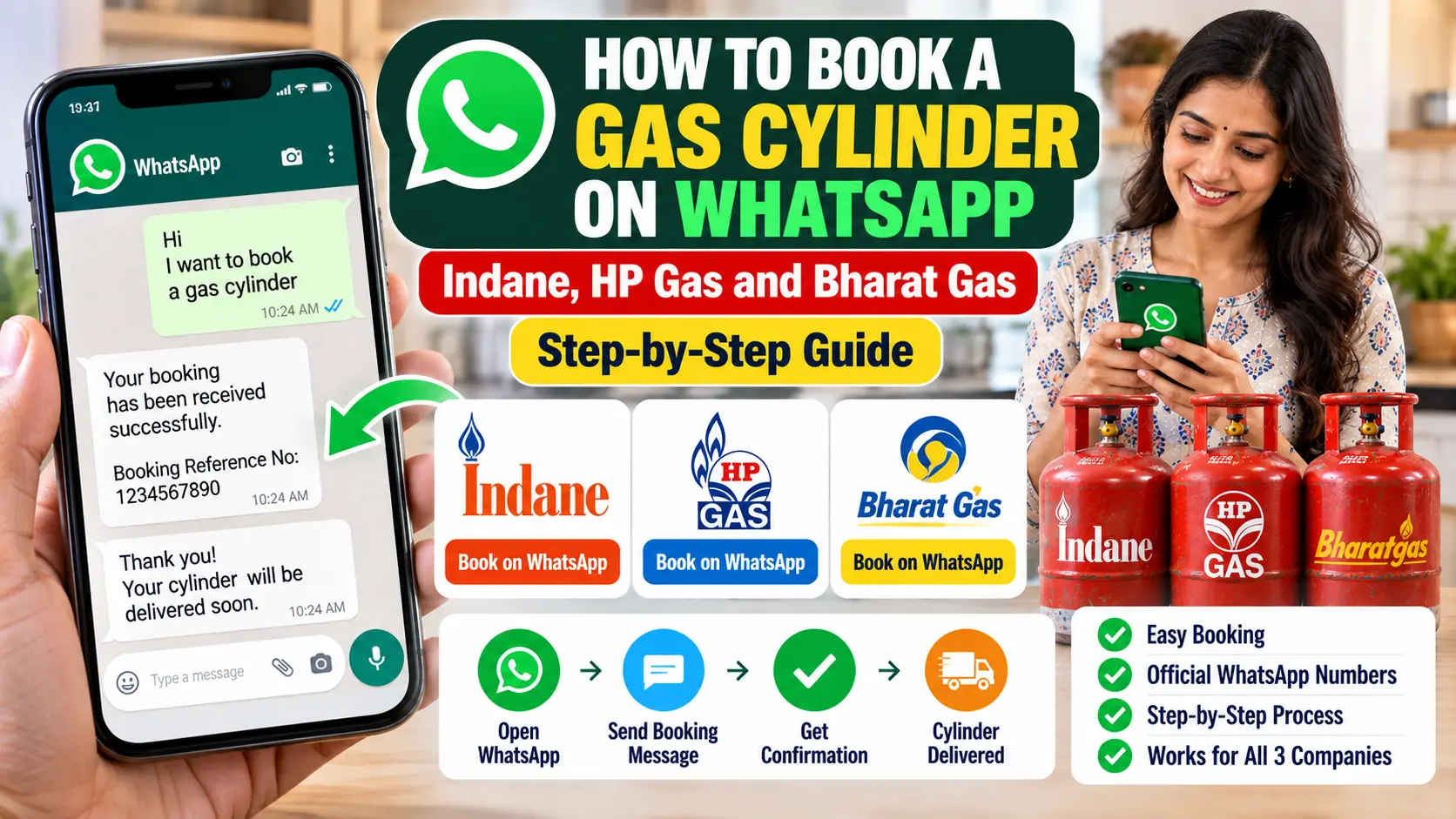
You already have WhatsApp open twenty times a day, so booking your gas cylinder there makes a lot of sense. There’s no extra app to install, no password to remember, and the whole booking history sits in one chat you can scroll back through any time.
All three oil companies take bookings on WhatsApp. The only catch is that each uses a different number and a slightly different first message. Here’s all of it in one place, along with the reasons a WhatsApp booking sometimes gets no reply.
The Three Official WhatsApp Numbers
| Company | WhatsApp number | What to send |
|---|---|---|
| Indane (IndianOil) | 75888 88824 | REFILL |
| HP Gas | 92222 01122 | Hi (or BOOK) |
| Bharat Gas | 1800 22 4344 | Hi (or Book) |
Not sure which company you’re with? Your cash memo or the cylinder itself will tell you.
Before You Send Anything: The One Thing That Must Be Right
WhatsApp booking works only from the mobile number registered with your gas connection. The company’s system recognises you from the number the message comes from. There’s no login and no consumer number to type.
Do Read – How to Link Your Bank Account and Aadhaar for LPG Subsidy (DBT) ?
This trips up more people than anything else, and there’s a sneaky version of it: your WhatsApp account may not be on your registered number.
Plenty of people have two SIMs. The gas connection is registered on one, and WhatsApp runs on the other. Or you changed your number a few years ago, moved WhatsApp to the new one, and never told the gas agency. Either way, the message reaches the company from a number it doesn’t recognise, and you get either no reply or a message saying your number isn’t registered.
Quick check: open WhatsApp, go to your profile, and look at the phone number shown there. It must match the number your distributor has on record. If it doesn’t, update your registered mobile number with the distributor first.
Indane: Send REFILL to 75888 88824
- Save 75888 88824 in your contacts as “Indane Gas”.
- Open a chat with it on WhatsApp.
- Type REFILL and send.
- You’ll get a reply confirming your booking, usually with a booking reference number.
Indane’s keyword is REFILL, not “Hi”. If you send “Hi” and get a menu or a prompt instead of a booking, just send REFILL.
HP Gas: Send Hi to 92222 01122
- Save 92222 01122 as “HP Gas”.
- Send Hi.
- A menu appears. Choose the option to book a refill.
- Follow the prompts, and the confirmation comes back in the same chat.
HP has also said you can send BOOK directly to the same number to place a refill request in fewer steps.
Bharat Gas: Send Hi to 1800 22 4344
- Save 1800 22 4344 as “Bharat Gas”.
- Send Hi.
- Choose the booking option from the menu, or simply send Book.
- You’ll get the booking confirmation in the chat.
The Bharat Gas number looks like a toll-free landline, which makes people think they’ve got it wrong. It’s correct. That really is BPCL’s official WhatsApp number.
After You Book
Keep the booking number
The confirmation message carries a booking reference. You don’t need to write it down, since it’s sitting in the chat, but don’t delete the chat either. If the delivery is late and you have to chase it, that reference is the first thing anyone asks for.
Watch for the delivery code
After booking, you’ll usually get a short code by SMS, often called the Delivery Authentication Code or DAC. Share it with the delivery person only when they’re standing at your door with the cylinder, never over the phone before delivery.
Use the same chat for other things
Depending on the company, the same chat menu may also let you check the status of your booking or pay online. Send “Hi” whenever you want to see what’s on offer.
When WhatsApp Booking Doesn’t Work
No reply at all
Almost always one of three things:
- Your WhatsApp is on a different number from your registered one, as explained above.
- The number is saved wrongly. Check every digit, and that it’s saved as an Indian number (+91).
- You’ve messaged a number that isn’t the official one, perhaps from a forward or a random website. Delete that contact and save the correct number from the table above.
“Your number is not registered”
The company has received your message but can’t match it to a connection. You need to update your mobile number with your distributor, either at the office or through your company’s app, and then try again.
“Booking already exists” or “previous booking pending”
There’s already an open booking on your connection that hasn’t been delivered yet. On a single-cylinder connection, you can’t book another until it arrives. Check the booking status before you do anything else.
Booking refused as too early
Domestic connections currently have a minimum gap between two refills: 25 days for most urban connections and 45 days in rural areas. Book before that and the system turns it down.
The amount looks higher than usual
From 1 October 2026, domestic refills at the regulated price need biometric Aadhaar authentication (eKYC) to be completed on your connection. Without it, you’re charged the market price. If the amount in your confirmation is noticeably higher than usual, check your eKYC status in your company’s app.
Watch Out for Fake Gas Agency Numbers
Scammers know people book gas on WhatsApp, and they use it. Common tricks include messages saying your “LPG KYC is pending” or your “connection will be blocked tonight”, asking you to click a link, pay a small fee, share an OTP, or install an app.
Stay safe with a few simple rules:
- Only use the three numbers in the table above, saved by you.
- Official chats don’t ask for your card details, bank PIN or any OTP from your bank.
- Never install an app from a file or link sent on WhatsApp, especially one ending in .apk. Official gas apps come only from the Play Store or App Store.
- If a message says your connection is being blocked, call your distributor’s number from your cash memo and ask. Don’t reply to the message.
Why WhatsApp Is Worth Using
- No extra app. Useful for parents whose phones are already full.
- Works on slow internet. A text message goes through where an app might not load.
- Everything in one place. Booking, confirmation and status sit in one chat you can scroll back through.
- Easy to teach. “Send REFILL to this contact” is simple enough for anyone in the family.
Each company also has missed-call and phone booking numbers, which are useful if WhatsApp isn’t an option. We cover those in a separate guide.
Quick Answers
What is the Indane gas WhatsApp number?
75888 88824. Send REFILL from your registered mobile number.
What is the HP Gas WhatsApp number?
92222 01122. Send Hi, or BOOK.
What is the Bharat Gas WhatsApp number?
1800 22 4344. Send Hi, or Book.
Can I book from someone else’s WhatsApp?
No. The message has to come from the mobile number registered with the connection.
Is WhatsApp booking free?
Yes. You only use your normal internet data.
Do I have to pay in the WhatsApp chat?
No. You can pay the delivery person in cash or by UPI, unless you choose to pay online.
Three Numbers Worth Saving
Save your company’s number tonight, check that your WhatsApp runs on your registered mobile number, and send one test message the next time you need a refill. Once it works, booking gas takes one word and five seconds.
HP Gas lists its WhatsApp and other booking options on its official refill booking page. If any of these numbers stops working for you, let us know and we’ll check and update this page.

Pratham Shetty is an SEO Expert for Websites , Blogs and Apps and has been working in this field since 2020 . He has developed many Blogs and apps and one of the LPG gas booking apps crossed 25k+ Organic downloads in few Months . You can Search LPG Gas Boooking app by Classic Avenue and enjoy the app.