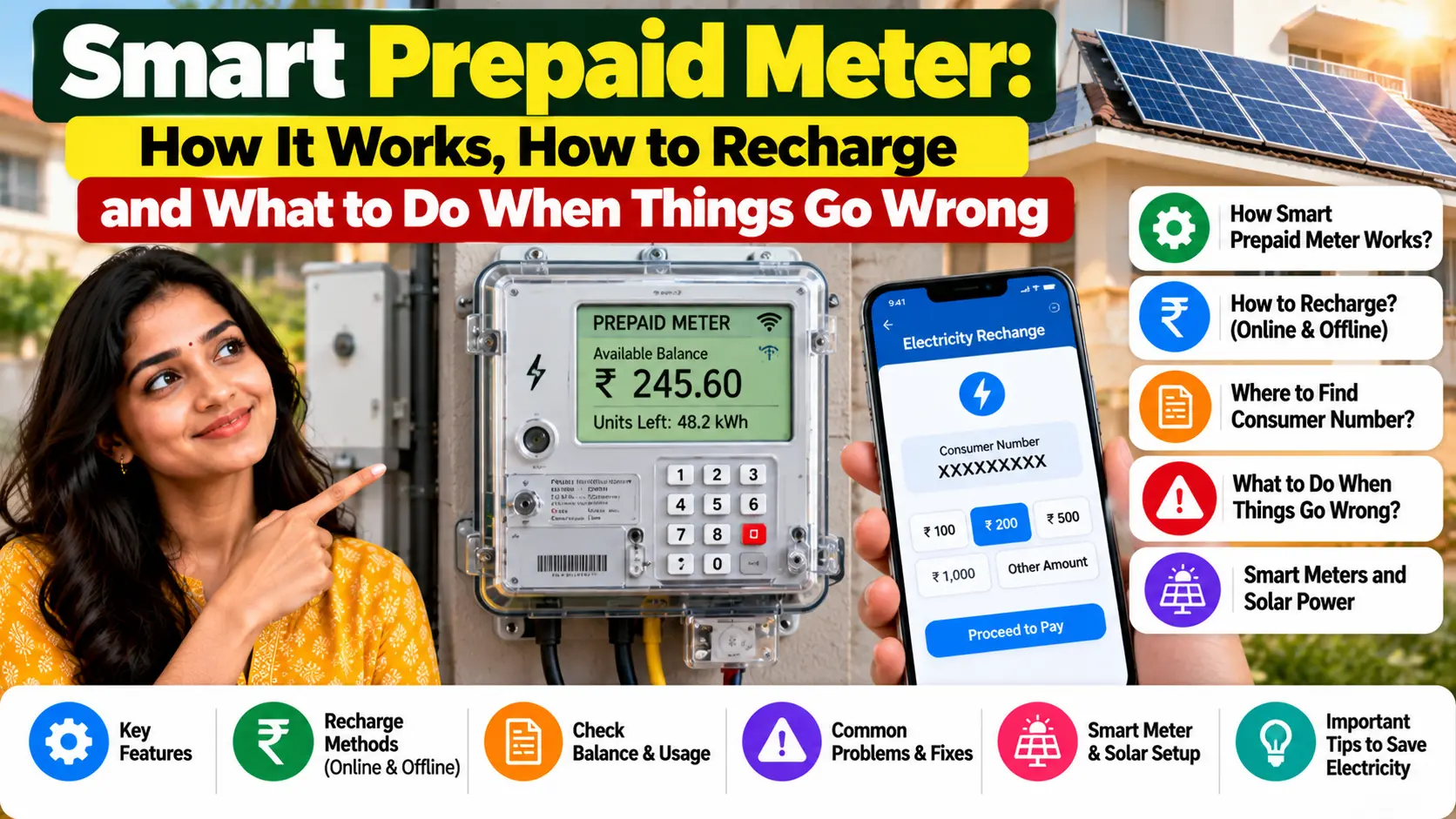
Quick answer: A smart prepaid meter works like a prepaid mobile SIM. You recharge first, the meter records what you use, and the cost is deducted from your balance. You get alerts as the balance runs low, and if it runs out, the supply can switch off automatically and comes back once you recharge.
The lineman came on a Tuesday morning. He took down the old meter, the one with numbers nobody at home ever looked at, fixed a white box with a small blinking light in its place, handed over a slip and left within fifteen minutes. A week later, the first SMS arrived: “Your balance is low. Please recharge.” Nobody in the family had known there was a balance.
Then came the WhatsApp forwards. “Smart meters run fast.” “They cut your power in the middle of the night.” “Your bill will double.” Some of this is rumour. Some of it is real trouble that people do face, and almost all of it has a fix. If a smart prepaid meter has just been fitted in your home, or is about to be, this guide explains how it works, how to recharge it, what your rights are, and what to do when something goes wrong.
Do Read – How to Get a Second LPG Cylinder
What Is a Smart Prepaid Meter?
A smart meter is an electricity meter that sends its readings to your discom over a communication network, so nobody has to come to your door to read it. It can work in two modes:
- Postpaid mode: you use electricity first and pay when the bill arrives, just like before.
- Prepaid mode: you recharge first, and the cost of what you use is deducted from that balance.
When people say “smart prepaid meter”, they simply mean a smart meter working in prepaid mode.
| Old meter | Smart meter, postpaid | Smart meter, prepaid | |
|---|---|---|---|
| How it’s read | A meter reader visits | Remotely, at least once a day | Remotely, at least once a day |
| When you pay | After the bill | After the bill | Before you use, by recharging |
| Seeing your usage | Once a month, on the bill | Daily, through your discom | Daily, through your discom |
| When money runs out | Not applicable | Not applicable | Supply can switch off until you recharge |
| Security deposit | Usually taken | Usually taken | Can’t be demanded under the Electricity Act |
Why Your Home Is Getting One
This isn’t just your discom’s idea. It comes from national rules and a national scheme:
- The rules for new connections. Under the Electricity (Rights of Consumers) Rules, 2020, no connection is to be given without a meter, and that meter is to be a smart prepayment meter or a prepayment meter.
- A nationwide scheme. Under the central government’s Revamped Distribution Sector Scheme (RDSS), 20.33 crore smart meters have been sanctioned, and 5.73 crore had been installed by 30 June 2026, according to the Ministry of Power.
- Daily data for you. A 2023 amendment to the rules says smart meters must be read remotely at least once a day, and the data must be shared with consumers so they can make informed decisions about their use.
What actually changes for you
- No meter reader at your door, and no estimated bills because the house was locked.
- You can see how much electricity you used yesterday, not just last month.
- No big surprise bill at the end of the month, because you pay as you go.
- But you now have one new job: keeping the balance topped up.
Does It Cost You Anything?
This depends on your state, so check with your discom. Here’s what we know:
- Replacing an existing meter: in Gujarat, for example, news reports from December 2024 said smart meter installation there was free of charge.
- New connections: some states charge for the meter as part of a new connection. In Uttar Pradesh, the charge for a prepaid smart meter with a new single-phase connection was cut to ₹2,800 from January 2026, from about ₹6,000 earlier, according to news reports. For a three-phase connection, it’s ₹4,100.
- Security deposit: under Section 47(5) of the Electricity Act, 2003, a discom isn’t entitled to demand a security deposit from someone who takes supply through a prepayment meter. If you paid a deposit on your old connection, ask your discom how it will be adjusted or refunded.
One rule applies everywhere: pay only through your discom’s official channels, and always get a receipt. If someone at your door asks for cash “for the new meter”, don’t pay. Call your discom and report it.
Do Read – PNG Gas Leak: What to Do Immediately, Emergency Numbers and Safety Rules
How Prepaid Billing Works, Day by Day
Once your meter is in prepaid mode, the routine looks like this:
- You recharge your account with any amount your discom allows.
- The meter records your use, and the readings reach your discom at least once a day.
- The cost is deducted from your balance: the units you used at your tariff, plus the other charges that would have appeared on a postpaid bill.
- You get alerts as the balance runs low.
- You recharge again before it runs out.
Your tariff stays the same
Prepaid is a way of paying, not a new price. Your rate per unit is still the one your State Electricity Regulatory Commission sets for your category. In fact, the central government’s advisories to states include encouraging prepaid meters through a rebate in bills. In Gujarat, for instance, the energy minister announced a 2 per cent rebate for prepaid customers in December 2024.
You can still get a bill
Under the 2020 rules, a consumer on prepaid metering can ask for a bill, and the discom has to issue it on request. If your balance seems to be falling faster than it should, ask for one. It shows exactly what was deducted, and for what.
A simple way to know how many days you have left
Look at your daily spend in your discom’s app or SMS. Then divide your balance by it. If you have ₹1,000 and use about ₹40 of electricity a day, you have roughly 25 days left. Remember that this number changes with the season. An air conditioner in May or a geyser in January can double your daily spend.
Time-of-day pricing
Smart meters also make time-of-day (ToD) tariffs possible. Under the 2023 rules, electricity used during solar hours is to be priced 10 to 20 per cent below the normal tariff, and peak-hour use 10 to 20 per cent above it. For consumers with smart meters, the rules say ToD tariff is to apply right after the smart meter is installed. How and when this applies to homes depends on your state’s tariff order, so check your bill or your discom’s tariff page.
How to Recharge
Recharge options depend on your discom, but these are the common ones:
- Your discom’s official app or website. The most reliable route, because it also shows your balance and daily use.
- UPI and bill payment apps, if your discom is listed there. Search for your discom’s name, and select the prepaid option if there is one.
- Discom customer centres or cash counters, where your discom offers them.
Tips that save trouble
- Keep your account or consumer number saved in your phone. It’s on your old bills and on the slip you got when the meter was changed.
- Double-check the account number before you pay. A recharge to the wrong account is hard to get back.
- Save the transaction ID or take a screenshot until the balance updates.
- Make sure your registered mobile number is correct with your discom. That’s where low-balance alerts go.
- Recharge a little extra before travel or long weekends, so you don’t come home to a dark house and a spoiled fridge.
Low Balance, Emergency Credit and Power Cuts
This is the part people worry about most, so let’s be precise.
What the national rules say
- The central government’s advisories to discoms list advance alerts for low balance and emergency credit among the features of smart meter apps.
- Under the 2020 rules, a prepayment meter is designed to cut off supply automatically when the credit is used up. This isn’t treated as a disconnection, and supply resumes when you recharge.
Your state may give you more time
States add their own protections, and they can be generous. Uttar Pradesh, for example, announced these steps in April 2026:
- SMS alerts at five stages: at 30 per cent balance, at 10 per cent, at zero, one day before disconnection, and after disconnection.
- For connections up to 2 kW, supply continues for up to three days after the balance runs out, or until ₹200 worth of electricity is used.
- No disconnection on Sundays and holidays, whatever the balance.
- No disconnection for 45 days for households with newly installed smart meters.
Rules differ from state to state, so check what your discom offers. But don’t plan around grace periods. Treat the first alert as your signal to recharge.
Do Read – How to Book an Indane Gas Cylinder
If the power goes off
- Check your balance in the app, or on the SMS you received.
- If it’s negative, recharge.
- Give it a little time for the payment to reach the meter.
- If supply still doesn’t return, call your discom’s helpline with your account number and transaction ID.
“My Smart Meter Is Running Fast”: What’s Really Going On
This is the most common complaint about smart meters. Sometimes there really is a fault. But very often, something else explains the jump.
Common reasons your bill went up
- The old meter was slow or faulty. If it had been under-recording for years, an accurate new meter will feel “fast” in comparison.
- The season changed. Coolers, ACs, geysers and room heaters use far more power than lights and fans.
- The inverter battery charges every day. That electricity is counted too.
- Old appliances. An ageing fridge or a pump with a worn-out motor can draw much more than you think.
- Things left on standby all day and night: TV boxes, chargers, a second fridge in the store room.
- A wiring fault in your house can waste electricity without you noticing.
Test it yourself first
- The blink test: electronic meters have a small light that blinks as electricity is used, and the meter’s face shows how many blinks make one unit (for example, “3200 imp/kWh”). Switch off the main switch inside your home. If the light keeps blinking, tell your discom straight away.
- The overnight test: note the reading at night when you go to bed, and again in the morning. Compare it with what’s running overnight.
- Compare with the app: your discom’s daily usage figure should roughly match what your meter display shows.
Your rights if you still suspect the meter
- A check meter within five days. Under a 2024 amendment to the rules, if you complain that the meter readings don’t match your actual use, the discom has to install an additional meter within five days of your complaint, to verify your consumption for at least three months.
- Meter testing within 30 days. Under the 2020 rules, a meter must be tested within 30 days of a consumer’s complaint about readings, a stopped meter or broken seals.
- An independent lab. If you don’t accept the result, you can have the meter tested at a third-party lab from an approved list, and that result is final for both sides.
The central government has also advised discoms to install check meters at random to verify smart meter readings, not only when someone complains.
When your meter is being changed
Take a clear photo of the old meter’s final reading before it’s removed, and ask for the replacement slip showing the old meter’s last reading and the new meter’s starting reading. If there’s ever a dispute about the changeover, that photo is your proof.
Common Problems and Quick Fixes
| Problem | Likely reason | What to do |
|---|---|---|
| Recharged, but supply hasn’t come back | Payment still reaching the meter, or a network delay | Wait a little, check the SMS, then call the helpline with your transaction ID |
| Balance falling too fast | Higher use, seasonal load or other charges | Check daily use in the app and ask for a bill showing all deductions |
| No low-balance alerts | Old mobile number on your account | Update your registered mobile number with your discom |
| Meter display blank or meter burnt | A faulty meter | Complain at once. A defective or burnt meter must be replaced within 24 hours in urban areas and 72 hours in rural areas |
| Recharge went to the wrong account | A typing mistake | Contact your discom and the payment app with the transaction ID straight away |
One more rule worth remembering: under the 2020 rules, a meter not being available can’t be a reason to delay restoring your supply.
How to Complain, Step by Step
- Call your discom’s 24×7 toll-free number. The 2020 rules require every discom to run a centralised 24×7 toll-free call centre. In many states, including Punjab and Uttar Pradesh, the number is 1912. Your bill or your discom’s website will have yours.
- Note your complaint number, or register the complaint in your discom’s app or website so you have a written record.
- Ask for a meter test or a check meter if you’re disputing the readings.
- Go to the Consumer Grievance Redressal Forum if the discom doesn’t solve it. Under the 2020 rules, a grievance is normally to be decided within 30 days, and in any case within 45 days.
- Appeal to the Electricity Ombudsman of your state if you aren’t satisfied with the forum’s decision.
Keep everything: recharge receipts, screenshots of your balance, photos of the meter, and every complaint number. A complaint with dates and evidence is much harder to ignore.
Can You Say No to a Prepaid Meter?
The honest answer is: it’s complicated, and still being argued.
- For new connections, the national rules say the meter is to be a smart prepayment meter or a prepayment meter.
- For existing connections, the question has gone to court. As of December 2025, public interest litigations challenging mandatory prepaid smart meters were pending before various High Courts, a point noted in Uttar Pradesh’s tariff order.
- Discoms see it differently. Uttar Pradesh’s power corporation, for one, has said that Section 47(5) of the Electricity Act doesn’t give consumers a right to choose between prepaid and postpaid billing.
- States can pause rollouts. In April 2026, Uttar Pradesh suspended new smart meter installations across the state pending a technical review.
If you have concerns, raise them with your discom in writing, keep a copy, and ask what the rules are in your state. Don’t pay anyone outside the official process to “stop” or “delay” a meter change.
Smart Habits for Prepaid Users
- Recharge on a fixed date every month, like a mobile plan, so you never forget.
- Keep a buffer of a few days’ use in your balance at all times.
- Check your daily use once a week. It takes ten seconds in the app and catches problems early.
- Run heavy appliances wisely. If your state has time-of-day pricing, use the washing machine or water pump in cheaper hours.
- Teach the family, especially elderly parents, what the alert SMS means and how to recharge.
- Save the helpline number in your phone today.
Quick Answers
How does a smart prepaid meter work?
You recharge first, the meter records your use, and the cost is deducted from your balance. When the balance runs out, supply can switch off and returns once you recharge.
Is electricity costlier on a prepaid meter?
No. Your tariff is the one set by your state commission for your category. Some states even give a small rebate to prepaid users.
Do I need to pay a security deposit with a prepaid meter?
Under Section 47(5) of the Electricity Act, a discom can’t demand one if you take supply through a prepayment meter.
Will my power be cut at night or on a holiday?
It depends on your state’s rules. Some states, like Uttar Pradesh, don’t disconnect on Sundays and holidays. Recharging when you get the first alert avoids the problem completely.
What if I think my smart meter is running fast?
Complain to your discom. Under the rules, it has to install a check meter within five days of your complaint, to verify your use for at least three months.
Can I still get a monthly bill?
Yes. The discom has to issue a bill to a prepaid consumer on request.
Do Read – LPG Subsidy Not Coming? 10 Reasons and How to Fix Each One
Treat It Like Your Phone Balance
A smart prepaid meter isn’t something to fear. It’s a different habit. You already keep an eye on your mobile balance without thinking about it. Do the same with your electricity: recharge before it runs low, glance at your daily use now and then, and keep your receipts and complaint numbers safe. And if something genuinely looks wrong, use your rights: a check meter, a meter test, and a forum that has to hear you.
Your rights as an electricity consumer are set out in the Electricity (Rights of Consumers) Rules, 2020. If your discom’s prepaid system works differently from what’s described here, tell us your state and what you’ve seen, and we’ll add it to this guide.

Pratham Shetty is an SEO Expert for Websites , Blogs and Apps and has been working in this field since 2020 . He has developed many Blogs and apps and one of the LPG gas booking apps crossed 25k+ Organic downloads in few Months . You can Search LPG Gas Boooking app by Classic Avenue and enjoy the app.
1 thought on “Smart Prepaid Meter: How It Works, How to Recharge and What to Do When Things Go Wrong”