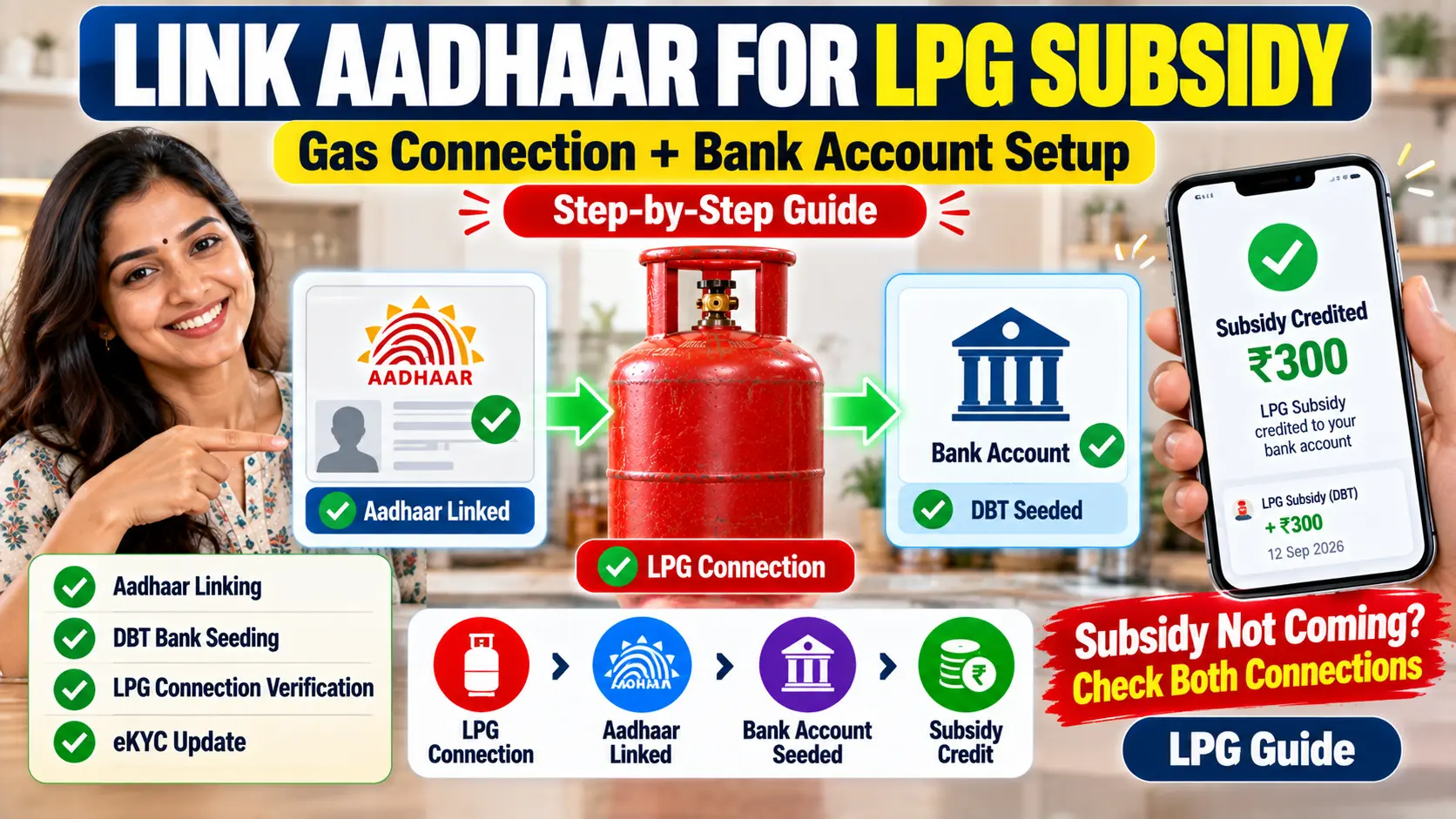
Think of your LPG subsidy as money sent through a pipe with two ends. One end is fixed to your gas connection. The other end is fixed to your bank account. Your Aadhaar number is the joint that holds both ends together.
When a subsidy doesn’t arrive, it’s nearly always because one end was never connected, or was connected to the wrong account. This guide shows you how to connect both ends properly, and how to check that they really are connected.
Do You Even Need This in 2026?
It’s a fair question, because the cash subsidy isn’t what it used to be.
- Ujjwala (PMUY) beneficiaries get ₹300 per cylinder in their bank account on the first four refills of each financial year. This comes through DBT, so for you, this setup is essential.
- General consumers have received no DBT cash subsidy in most of the country since May 2020. Your main benefit today is the regulated price you pay at the door.
Even if you’re a general consumer, it’s still worth getting this right. A correctly linked Aadhaar and bank account is how any future subsidy would reach you, and you’ll need your Aadhaar tied to your connection anyway for the eKYC rule that applies from 1 October 2026.
How the Money Actually Travels
The scheme behind LPG subsidy is called PAHAL, also written as DBTL (Direct Benefit Transfer for LPG). Here’s the route the money takes:
- Your cylinder is delivered.
- The oil company looks up the Aadhaar number linked to your gas connection.
- The payment is sent against that Aadhaar number through the national payments system.
- That system checks which bank account is mapped to your Aadhaar for DBT, and the money lands there.
So two links have to exist: Aadhaar to gas connection, and Aadhaar to bank account. Once both are in place, your connection is called CTC, which stands for Cash Transfer Compliant. That’s the word you’ll see on the status portals.
“Linked” and “Seeded” Are Not the Same Thing
This one catches almost everybody.
Your bank probably has your Aadhaar on file already. You gave it when you opened the account, or during a KYC update. That’s linking, and it’s just identity paperwork.
For DBT money to reach the account, the bank has to go one step further and register that account against your Aadhaar in the national DBT database run by NPCI, called the NPCI mapper. That’s seeding. UIDAI’s own guidance says it’s the bank seeding your account with the NPCI mapper that makes it a “DBT enabled account”.
Plenty of people have Aadhaar linked to their account for years without it ever being seeded for DBT. Everything looks fine, and nothing arrives.
Before You Start
Get these in order first. Most failed attempts trace back to one of them.
- The bank account must be in the connection holder’s name. The subsidy follows the Aadhaar of the person the gas connection belongs to. If the connection is in your mother’s name, it’s her Aadhaar and her bank account that matter, not yours.
- Names should match. Your name on the gas connection, on Aadhaar and on the bank account should be the same, or very close. A big mismatch can bounce the payment.
- Your Aadhaar-linked mobile number must work. You’ll need OTPs on it to check your status online.
- Keep your 17-digit LPG ID handy. It’s on your connection documents and in your gas company’s app.
- Use an active account. Not one you’ve stopped using and might close.
Step 1: Link Aadhaar to Your Gas Connection
This is the gas end of the pipe. You have a few ways to do it.
Complete eKYC
The biometric Aadhaar authentication (eKYC) that’s required from 1 October 2026 ties your connection to your Aadhaar-verified identity. If you’ve already done eKYC, this end is very likely already connected. You can do it from home through your gas company’s app, at delivery, or at the distributor’s office.
At your distributor
Visit with your Aadhaar card and ask to have it linked to your connection for PAHAL. In the original PAHAL paperwork, this is the form known as Form 2. Your distributor will have the current form.
Through the app or portal
Your gas company’s app or website usually shows whether Aadhaar is linked to your connection, and some let you update it there.
Step 2: Seed Aadhaar in Your Bank Account for DBT
This is the bank end, and the one people miss.
At the branch
UIDAI’s advice is to go to the branch where you hold the account and ask the bank to link your Aadhaar to it by filling in the bank’s mandate and consent form. The bank then seeds the account with the NPCI mapper so it can receive DBT. In the old PAHAL paperwork, this was Form 1.
When you’re at the counter, say clearly that you want the account enabled for DBT, not just linked for KYC. Bank staff hear “Aadhaar link” all day and may think it’s already done.
Through net banking or the bank’s app
Some banks let you give the DBT consent online. If yours does, look for an option around Aadhaar seeding or DBT. If you can’t find it, the branch is quicker than hunting through menus.
It can take a few days for the bank’s update to reach the NPCI mapper, so don’t expect it to show immediately.
Step 3: Check That Both Ends Are Connected
Don’t assume. Check both sides, because they’re held in different systems.
Check the bank side
Log in to the myAadhaar portal with your Aadhaar number and the OTP sent to your Aadhaar-linked mobile, and look for the bank seeding status. It shows which bank your Aadhaar is currently mapped to for DBT. The information comes from NPCI, and NPCI’s own website offers the same check.
If it shows the right bank, the bank end is done. If it shows no bank, or an old one, go back to Step 2.
Check the gas side
Use the PAHAL (DBTL) status option on your gas company’s portal or the government’s LPG portal, with your 17-digit LPG ID. It shows whether your connection is linked and whether you’re Cash Transfer Compliant.
Which Account Gets the Money?
Only one. UIDAI states that you can receive DBT benefits in only one account, the one you chose when you gave your bank the mandate and consent form.
That has a practical side effect. If over the years you’ve given DBT consent at more than one bank, the account currently on record may not be the one you think. Always go by what the myAadhaar seeding status shows, not by memory.
Changing banks
Want the subsidy to go to a new account? Give the DBT mandate at the new bank, wait a few days, then confirm on myAadhaar that the seeding now shows the new bank. Only after that should you close the old account. Close it first and you risk payments going to an account that no longer exists.
What If You Don’t Have Aadhaar?
PAHAL originally allowed a route without Aadhaar, where your bank account details were registered directly against your gas connection. But with biometric Aadhaar authentication now needed from 1 October 2026 for refills at the regulated price, the Aadhaar route is the practical one for almost everybody. If you genuinely don’t have Aadhaar, speak to your distributor about what applies to your case.
Mistakes That Stop the Money
- Seeding someone else’s account. A son’s or husband’s account won’t work for a connection in the mother’s or wife’s name.
- Closing the old account before moving DBT. Payments keep going to it and bounce.
- A dormant account. Credits to an inactive account can be rejected. Make a small transaction now and then to keep it active.
- Stopping at KYC. “My bank has my Aadhaar” isn’t the same as “my account is seeded for DBT”.
- An outdated Aadhaar mobile number. You won’t get the OTPs to check anything. Update it at an Aadhaar enrolment centre.
Quick Answers
Is linking Aadhaar to the bank enough to get LPG subsidy?
Only if the account is also seeded for DBT in the NPCI mapper, and your Aadhaar is linked to your gas connection too. Both ends are needed.
How do I know which bank account my subsidy goes to?
Check the bank seeding status on the myAadhaar portal. That’s the account DBT payments are routed to.
Can the subsidy come into two accounts?
No. DBT goes to one account only.
Does linking cost anything?
No. Neither the bank nor the distributor should charge you for Aadhaar seeding or linking.
I’m a general consumer and still get nothing. Is my linking wrong?
Not necessarily. For most general consumers, the DBT cash subsidy has been nil since May 2020. Check your status to be sure the links are in place, but an empty bank statement on its own doesn’t mean anything is broken.
Once Both Ends Are Connected
Link Aadhaar to your gas connection, get your bank account seeded for DBT, then check both sides online. It’s an afternoon’s work at most, and you only have to do it once, or once more if you ever change banks.
If you’ve done all three steps and the status still doesn’t look right, write in with what the portals are showing. We’ll help you work out which end is loose.

Pratham Shetty is an SEO Expert for Websites , Blogs and Apps and has been working in this field since 2020 . He has developed many Blogs and apps and one of the LPG gas booking apps crossed 25k+ Organic downloads in few Months . You can Search LPG Gas Boooking app by Classic Avenue and enjoy the app.
1 thought on “How to Link Your Bank Account and Aadhaar for LPG Subsidy (DBT)”