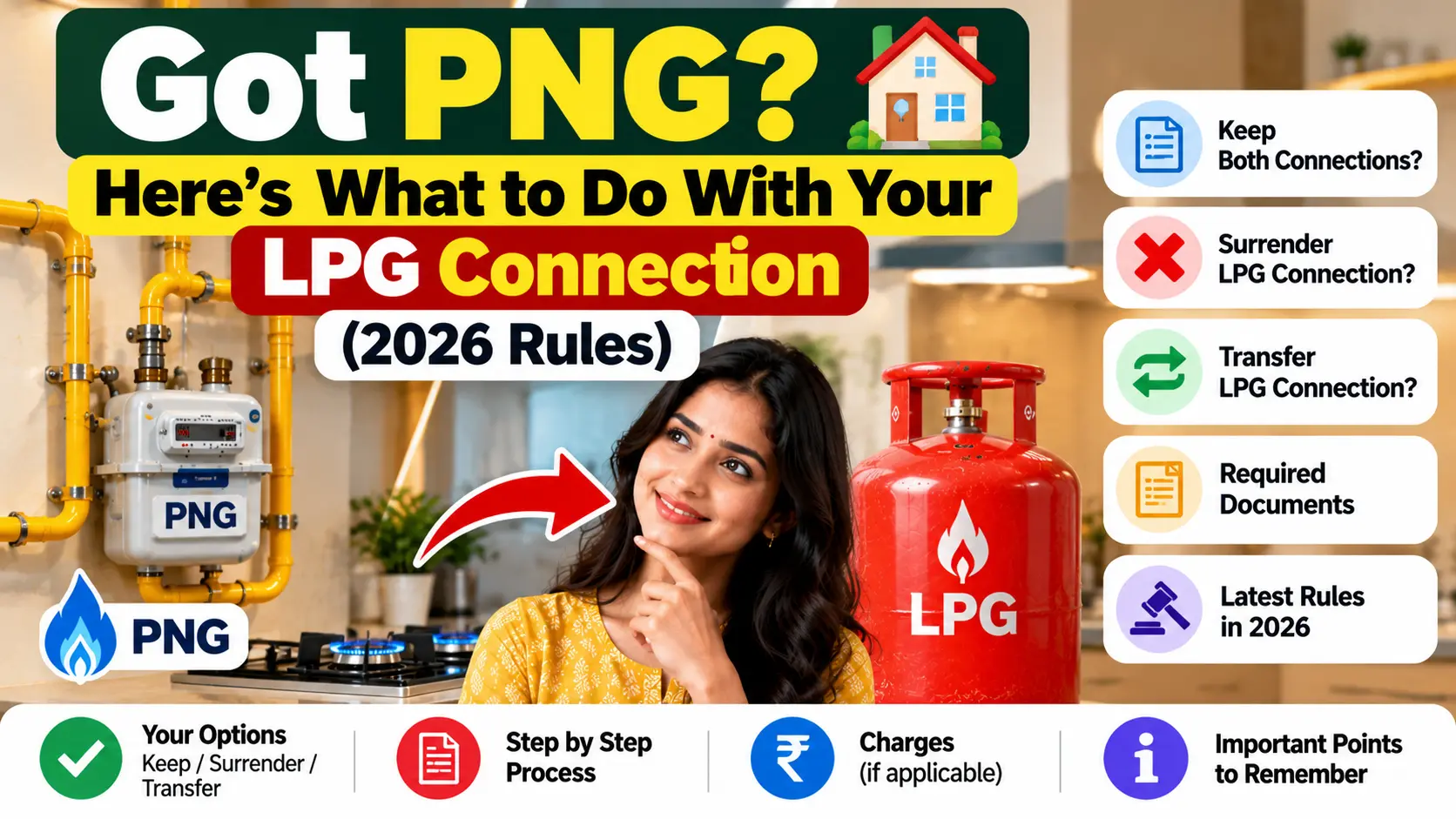
The PNG meter is fitted, the stove has been converted, and the first blue flame from the pipeline is burning. And in the corner of the kitchen sits the old red cylinder, half full, kept “just in case”.
Almost every family that switches to piped gas does this. In 2026, though, that “just in case” cylinder is no longer allowed. If your home has PNG, the rules now require you to give up your domestic LPG connection, and there’s a deadline. The good news is that it’s simple, it can be done from your phone, and you get your deposit back. Here’s everything you need to know.
The Rule in Plain Words
In March 2026, the government amended the LPG Control Order, which is issued under the Essential Commodities Act. Since then, a household with a PNG connection can’t keep a domestic LPG connection, and can’t take a new one.
The reason is simple. During the LPG supply crunch of 2026, the government wanted every cylinder to reach families who have no other way to cook. A home with piped gas already has a steady supply, so its LPG connection is better used elsewhere.
Your Two Options
A further amendment, effective from 25 May 2026, gave PNG households two clear choices:
| Close the connection | Take a transfer voucher | |
|---|---|---|
| What it means | Your LPG connection ends for good | Your connection is set aside, so it can be restored later |
| Deposit | Refunded to you | Not needed again when you restore LPG in a non-PNG area |
| Best for | Families settled in their own home with PNG | Tenants, transferable employees, students and migrant families who may move to a place without PNG |
| When | Apply within 30 days of getting your PNG connection | Ask for it when you hand back your connection |
Which one should you pick?
If you own your home and plan to stay, closing the connection and taking your deposit back is the simple choice. If there’s a good chance you’ll move in the next few years, perhaps on a job transfer or to a city where pipelines haven’t reached, the transfer voucher saves you from starting from scratch later.
What Happens If You Do Nothing
Ignoring it isn’t really an option any more:
- Your LPG bookings get blocked. The oil companies and the gas companies have linked their databases, and since May 2026, households identified with an active PNG connection are being blocked from booking domestic LPG refills.
- Closing it later only gets harder. The 30-day window is meant to make the switch smooth. Miss it, and you’re left with a blocked connection and a deposit you still have to chase.
There’s a related rule for homes that haven’t taken PNG yet. Under a government order of March 2026, if piped gas is available in your area and the gas company writes to you, by registered or speed post, inviting you to apply, your LPG supply may stop three months after that letter if you don’t apply.
How to Surrender Your LPG Connection Online
On 27 March 2026, the petroleum ministry launched the MyPNG-D portal (mypngd.in), made just for this. On the first day alone, 1,797 people used it to surrender their LPG connections.
- Go to mypngd.in.
- Enter the mobile number registered with your gas connection, or your LPG ID.
- Verify with the OTP you receive.
- Check that the LPG connection shown is yours.
- Choose the surrender request option, fill in the details asked for, and submit.
You can also start from your own gas company’s app or website. Look for an option like “Surrender connection” or “Manage connection”. HP Gas, for example, has a surrender option in its HP Pay app.
What happens after you submit
Your distributor takes it from there. As Mumbai’s gas company MGL explained to its customers, the distributor handles the paperwork, the collection of the cylinder and the refund. Expect a call to fix a time for the pickup. Keep the cylinder, the regulator and your Subscription Voucher (SV) ready, since the SV is checked during the process.
How to Surrender at the Distributor
If you’d rather do it in person:
- Use up the gas and disconnect the regulator.
- Take the cylinder (both, if you have a double cylinder connection) and the regulator to your distributor.
- Carry your SV, your consumer card, and ID and address proof.
- Fill in the surrender form.
- Collect your Termination Voucher and the refund receipt, or the transfer voucher if that’s what you chose.
Getting Your Deposit Back
When you close the connection, the distributor refunds the deposit written on your SV, for each cylinder and the regulator. A few things to keep in mind:
- It’s the old rate, not today’s. If your family took the connection years ago, when deposits were lower, that lower amount is what comes back.
- Dues and missing items are deducted. If the regulator is lost or there are pending dues, the refund is reduced.
- Lost your SV? You can still surrender. There’s a standard loss declaration format made for people switching to PNG, and the distributor checks it against its own records of your SV number, deposit and cylinders.
Whatever route you take, don’t leave without a receipt or acknowledgement. It’s your proof if the refund is delayed.
A Few Practical Tips
- Don’t surrender too early. Wait until your PNG supply is actually switched on. The 30 days start once you’ve got the PNG connection, so there’s no need to be without gas in between.
- Time your last cylinder. If you can, use it up before you hand it back. Surrendering a half-full cylinder means paying for gas you never used.
- Don’t book a new refill after PNG starts. It’s likely to be blocked anyway.
- Ignore old advice. Some gas company FAQs still mention an older 60-day window and safe custody options. The 2026 rules, with the 30-day window and the transfer voucher, are what apply now.
Special Situations
The LPG connection is in a late parent’s name
The distributor will need proof that you’re the legal heir, along with the death certificate. HP Gas, for example, accepts a plain-paper declaration if the family doesn’t have a legal heir certificate. Ask your distributor what they need before you go.
It’s an Ujjwala connection
Under Ujjwala, the government paid the deposit. Ask your distributor how surrender works for your connection, and what, if anything, is refunded.
You’re a tenant
If the LPG connection is in your name and your rented flat now has PNG, the rule applies to you. The transfer voucher is often the smarter choice for tenants, since your next home may not have piped gas.
Quick Answers
Can I keep my LPG cylinder after getting PNG?
No. Since March 2026, a household with PNG can’t keep a domestic LPG connection.
How much time do I get?
You should apply within 30 days of getting your PNG connection.
How do I surrender my LPG connection online?
On the MyPNG-D portal, mypngd.in, using your registered mobile number or LPG ID, or through your gas company’s app.
Will I get my deposit back?
Yes, the deposit written on your SV, minus any dues or missing items. If you take a transfer voucher instead, you won’t have to pay a fresh deposit when you restore LPG later.
What if I move to a city without PNG later?
That’s what the transfer voucher is for. It lets you restore an LPG connection in a non-PNG area.
Let the Cylinder Go
Keeping an old cylinder “just in case” made sense in the past. Under the 2026 rules, it only gets your bookings blocked and leaves your deposit stuck. Once your PNG is running, decide between closing the connection and taking a transfer voucher, submit the request within 30 days, and let the distributor collect the cylinder. Ten minutes on your phone, and it’s done.
You can start the surrender on the petroleum ministry’s MyPNG-D portal. If your distributor asks for something different, tell us, so we can keep this guide up to date.

Pratham Shetty is an SEO Expert for Websites , Blogs and Apps and has been working in this field since 2020 . He has developed many Blogs and apps and one of the LPG gas booking apps crossed 25k+ Organic downloads in few Months . You can Search LPG Gas Boooking app by Classic Avenue and enjoy the app.